How to Get More Google Reviews for Your Trade Business (30-Day Plan)
A simple 30-day plan to systematically grow your Google reviews — without being pushy or breaking Google’s rules.
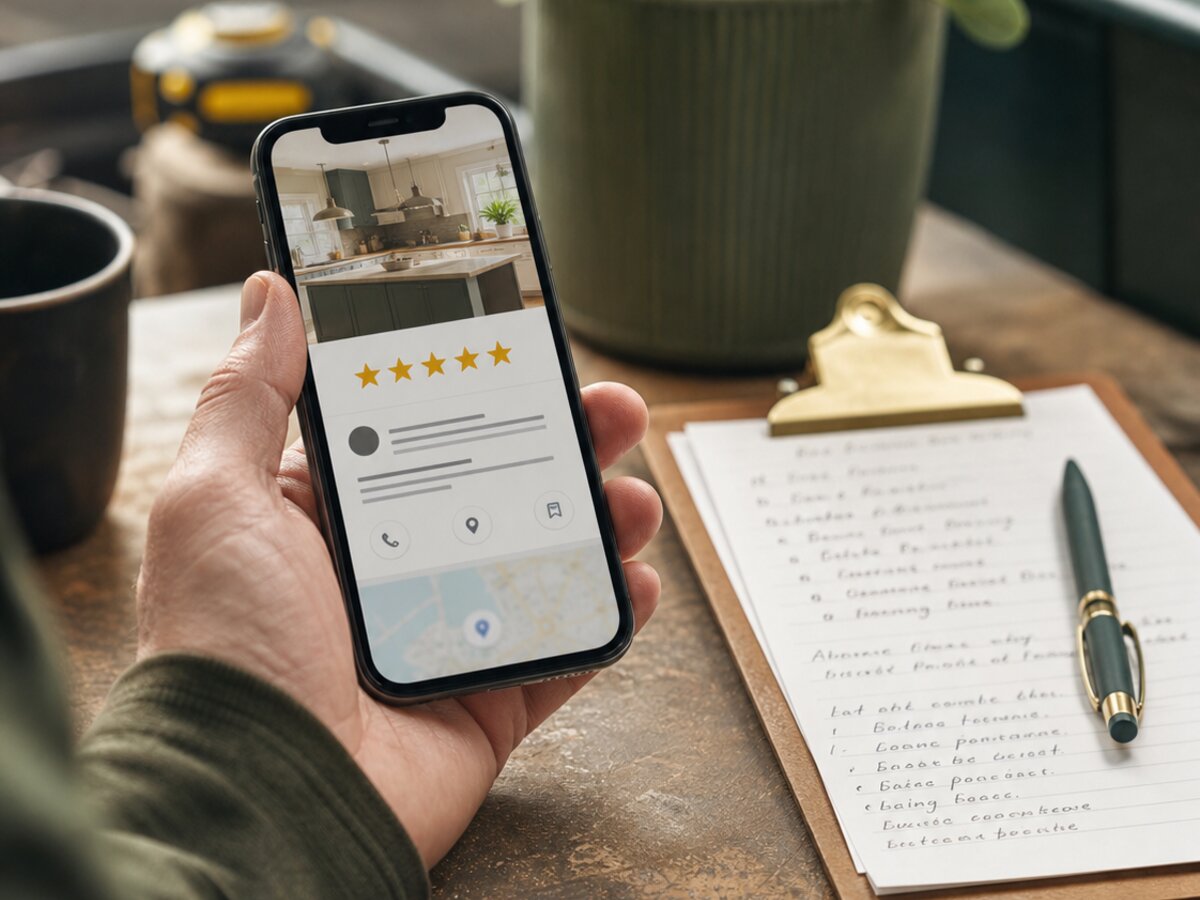
If you run a trade business and you’re sitting on 11 reviews while the bloke down the road has 240, you already know you’ve got a problem. This guide is the no-nonsense version of how to get more Google reviews for your trade business — a proper 30-day plan with scripts, weekly actions, and realistic numbers. No “leverage your digital footprint” nonsense, just the stuff that actually fills your job diary.
Reviews are the single biggest free marketing asset you’ve got — particularly for local outfits like Wirral trades businesses competing for hyper-local Google Maps rankings. They turn the bloke who’s nervously comparing three plumbers on his phone at 9pm into a booked job by 9.15pm. Most trades either ignore reviews entirely or send one half-arsed text a month and wonder why nothing happens. Let’s fix that.
Why Google reviews matter more than the star rating
Here’s the bit nobody tells you. A 4.7 average with 180 reviews beats a 5.0 with 12 every single time. Stars matter, but recency and volume matter more than most lads realise. Google’s local algorithm — the one that decides who shows up in the map pack when someone types “emergency plumber Leeds” — looks at a handful of signals, and your reviews touch most of them.
The three review signals that actually move the needle in the local map pack:
- Volume. More reviews than your direct competitors in the same postcode area. This is the headline number Google trusts.
- Recency. A review from last Tuesday is worth more than ten from 2019. Google wants to know you’re still active and still doing good work.
- Response rate. Replying to reviews — good and bad — tells Google you’re an engaged, real business. Aim for 100%.
There’s also the “freshness signal” — a steady drip of new reviews every week looks far more natural than 40 in one weekend followed by nothing for six months. Google is not stupid. A sudden spike followed by silence looks like you’ve paid your nephew a tenner each, and the algorithm will quietly dial down your visibility.
Then there’s the customer side. Most punters skim the most recent five reviews and the lowest one-star they can find. If your most recent review is from 14 months ago, half of them assume you’ve gone bust. Brutal but true.
The 30-day plan, week by week
Right, here’s the meat of it. Four weeks, four goals, concrete actions. If you do this properly you should pick up between 20 and 45 new reviews depending on how many jobs you complete in a month. Most one-van trades land around 25–30.
Week 1 — set up the system and clear the backlog
Goal: get your Google Business Profile sharp and ask your last 10 happy customers in one organised hit.
- Claim and fully complete your Google Business Profile (formerly GMB). Photos, hours, services, service areas, the lot. A half-finished profile converts worse and ranks worse.
- Generate your short review link from the Google Business Profile dashboard. Save it as a contact on your phone called “Review link” so you can ping it in two taps.
- Make a list of your last 10 jobs where the customer was visibly happy. Not the awkward ones. The ones where they offered you a brew and meant it.
- Send each of them a personalised text (script below). Personalised means using their name and mentioning the actual job — not “Hi valued customer”.
- Add the review link to your email signature, your invoice template, and the bottom of your quote PDF.
Expected outcome by end of Week 1: 4–7 new reviews from the backlog ask, plus the infrastructure in place to never let a happy customer slip through again.
Week 2 — bake it into the job
Goal: make the review ask a default part of every single job you finish.
- Add an in-person ask to your job close-out routine. The moment the job’s done, the customer’s smiling, the kettle’s on — that’s when you ask. Script below.
- Send a follow-up text within 24 hours of every completed job. Set a recurring reminder on your phone if you have to.
- Print 50 review cards with a QR code linking straight to your review form. Hand one over with the invoice. Cost: about a tenner.
- Train anyone else who works with you — apprentice, mrs in the office, subcontractor — on the exact wording to use. Inconsistency kills momentum.
Expected outcome by end of Week 2: another 6–10 new reviews, and a system that’s running without you thinking about it.
Week 3 — chase the soft maybes and tidy up
Goal: recover the customers who said “yeah I’ll do it later” and never did.
- Send a polite second nudge to anyone who didn’t leave a review in Weeks 1 or 2. One nudge only. Don’t be that guy.
- Reply to every review you’ve ever received. Yes, even the ones from three years ago. Google notices the activity.
- Audit your last 20 invoices — anyone you forgot to ask? Ask them now. “I should have asked at the time, mind doing me a favour?” works surprisingly well.
- Pair this with a proper email follow-up sequence for previous customers — a soft check-in three months after the job is the perfect place to slot in a review ask.
Expected outcome by end of Week 3: 5–8 more reviews, plus a tidier Google profile that looks properly active.
Week 4 — review, refine, automate
Goal: work out what’s converting and lock it in for the long haul.
- Count your conversions. How many asks did you send? How many turned into reviews? If you’re under 25% on text asks, the script needs work.
- Set up automated review request texts from your CRM or job management software. Most decent systems (Jobber, ServiceM8, Tradify) have this built in.
- Identify your three best customers — the loyal ones who’d say yes to anything — and ask them for a referral as well as a review.
- Write down your final process on one A4 sheet and stick it to the van dashboard. Habit beats motivation.
Expected outcome by end of Week 4: 5–10 more reviews, total of 20–35 over the month, and a self-sustaining system.
How to ask for a review without sounding desperate
The ask is everything. Get the wording wrong and even your happiest customer will quietly forget. Get it right and they’ll do it before you’ve packed the van.
The best time to ask for a review is when the customer is happiest. That’s usually the moment you finish the job — not a week later when the warm fuzzy feeling has worn off.
In-person script (use this one — it converts best by miles):
“Glad we got that sorted for you. Quick favour — reviews on Google are massive for a small business like mine. If you’ve got 30 seconds today or tomorrow, would you mind leaving one? I’ll text you the link now so it’s right there on your phone.”
Then text the link immediately, in front of them. Don’t say “I’ll send it later”. Later doesn’t exist.
Text script (send within 24 hours):
“Hi [Name], Dave here from [Company]. Cheers again for having us out for the [boiler swap / kitchen rewire / whatever]. If the work was up to scratch, would you mind dropping us a quick Google review? Honest feedback only — link here: [link]. Means a lot, ta.”
Email script (for jobs where you don’t have a mobile number):
Keep it under 60 words. Subject line: “Quick favour, [Name]?” Body: thank them, mention the specific job, give them the link, sign off as a human, not a company.
What NOT to say:
- Don’t say “5-star review” — that’s against Google’s guidelines and customers find it pushy.
- Don’t say “if you were happy with our service”. You’re asking for feedback, not fishing for compliments.
- Don’t beg. “It would really really help me out” reads as weak. Confidence converts.
- Don’t send the link three times in a week. One ask, one polite nudge, then leave them alone.
Text vs email vs in-person — which actually converts best?
Here are the honest conversion ranges, based on what trades actually report rather than what marketing agencies claim:
- In-person ask, with the link sent on the spot: 40–60%. Easily the best. Costs nothing. Most trades skip it because it feels awkward. Get over it.
- SMS within 24 hours of job completion: 25–40%. The sweet spot for automation. The link is one tap from the inbox.
- SMS sent 3+ days later: 10–15%. The drop-off is brutal. Speed matters.
- Email follow-up: 8–15%. Lower because inboxes are full of crap and people read texts faster. Still worth doing for the jobs where you don’t have a mobile.
- Printed card / QR code only, no follow-up: 3–6%. A nice safety net, useless on its own.
The takeaway: always ask in person, always follow up with SMS within 24 hours, use email as a backup. That’s the stack.
The free tools you actually need
For 90% of UK trades, Google Business Profile is the only tool you actually need. Free, owned by Google, directly affects whether you show up in the map pack. Everything else is gravy.
Here’s the honest breakdown of the other platforms:
- Trustpilot. Worth it if you’re a larger outfit doing high-ticket jobs (full bathroom installs, extensions, boiler replacements). For a one-van plumber doing emergency call-outs, mostly ignored by customers.
- Bark / Checkatrade / MyBuilder. Pay-to-play lead platforms with reviews attached. Useful for lead flow when you’re starting out, less useful as a pure review channel. Don’t confuse the two.
- Yell. Honestly? Skip it. The audience moved on a decade ago.
- Facebook recommendations. Free, decent for local visibility, but trails Google massively. Set it up, don’t obsess over it.
Paid tools like NiceJob, Reviews.io, Birdeye or Trustmary start being worth it when you’re doing 40+ jobs a month and the manual follow-up is eating into your evenings. Below that volume, a recurring phone reminder and a CRM with a built-in review trigger does the same job for nothing. If your website’s a bit ropey too, sorting that out alongside reviews compounds the effect — have a look at our website services if it’s overdue a refresh.
Handling negative reviews like a pro
You will get a bad review eventually. Everyone does. How you reply matters more than the review itself, because every future customer will read your response and judge your character on it.
The three rules: calm, public, brief. Don’t write paragraphs. Don’t argue facts. Don’t go full keyboard warrior. Acknowledge, offer to fix, move on.
Template for fair criticism:
“Hi [Name], thanks for the feedback and sorry we didn’t hit the mark on this one. That’s not the standard we aim for. I’d like to put it right — can you drop me a call on [number] so we can sort it? — Dave”
Template for an unfair or unhinged one:
“Hi [Name], sorry to hear you’re unhappy. We’ve checked our records and our version of events differs from yours. Happy to discuss directly — please call [number] and we’ll go through it. — Dave”
Short. Polite. Implies the other side without saying it. Future customers will read this and think “fair enough, the trade sounds reasonable, the reviewer sounds off”.
Template for a clearly fake review (wrong name, never been a customer):
“Hi, we’ve checked our records carefully and have no customer or job matching your name or address. We’ve flagged this review with Google for review. If we’ve made a mistake please contact us directly on [number]. — Dave”
Then report it through your Google Business Profile dashboard. Google removes obvious fakes about 40% of the time — not amazing odds, but worth doing.
What Google’s review guidelines actually say (without the legalese)
The ICO doesn’t regulate reviews, but Google’s own guidelines absolutely do, and breaching them can get your profile suspended. Here’s the short version of what you cannot do:
- No incentives. No “£20 off your next service for a review”, no prize draws, no free pints. Soliciting reviews in exchange for anything is a guideline breach.
- No review-gating. Don’t filter customers so only the happy ones get the link. Tools that ask “were you happy? yes/no” and only route the yeses to Google are explicitly banned.
- No fake reviews. Not from staff, not from your mum, not from your mate’s lad. Google’s pattern detection catches more than people think.
- No bulk-asking from your own IP. Don’t hand the iPad to the customer in your van and have them all leave reviews on the same connection. Get them to do it on their own phone, on their own network.
- No off-topic, profane, or conflict-of-interest content in your replies either. Yes, your replies are policed too.
The full policy is here if you want the chapter and verse: Google’s contribution policy. Worth a five-minute read once a year.
Sort your reviews, sort your website, sort your follow-up system, and the job diary fills itself. If you’d rather not piece it together yourself, have a word with us — we build the whole stack for trade businesses across the UK.
Frequently asked questions
How many Google reviews does a trade business actually need?
Enough to beat your nearest competitors in the same postcode and service category — usually 40 to 100 is the sweet spot for local trades. Beyond that, recency starts mattering more than raw volume. Aim for at least one new review every week, forever.
Can I delete a bad Google review?
No, you can’t delete it yourself. You can only flag it to Google for breaching their guidelines, and if Google agrees it’ll be removed. Reviews you simply disagree with won’t be removed — only ones that are off-topic, fake, abusive, or breach policy.
What if a customer leaves a fake review?
Reply publicly and politely stating you have no record of the customer, then flag the review through your Google Business Profile dashboard. Google removes clearly fake reviews around 40% of the time. Keep records of every job — invoices and addresses are your proof.
How long after the job should I send a review request?
Within 24 hours, ideally within the same hour. Conversion drops sharply after 48 hours and falls off a cliff after a week. The best result of all is asking in person the moment the job is done, then sending the link by text while you’re still on site.
Should I respond to every Google review?
Yes, every single one. Google treats reply rate as an engagement signal in the local algorithm, and customers reading your profile notice straight away whether you bother. A quick thank-you on positives and a calm reply on negatives is plenty.
Is it worth using a review management tool like NiceJob or Reviews.io?
Only once you’re doing 40-plus jobs a month and the manual follow-up is genuinely eating your time. Below that volume, a CRM trigger or a simple phone reminder does the same job for free. Don’t pay for software to solve a problem you don’t have yet.
Can I offer a discount for a review?
No. Google’s guidelines explicitly ban incentivising reviews in any form — discounts, prize draws, free coffees, the lot. Getting caught can suspend your Google Business Profile. Ask politely instead, it works better than people expect.

Want this done for you?
Book a 20-minute discovery call. No pitch, no obligation — we’ll talk through your specific business and whether what’s in this guide is something we can help with.
Book a call