The Contractor's Guide to Email Marketing (That Actually Brings in Jobs)
The most underrated tool for trades. The four emails every UK service business should send, plus realistic results to expect.
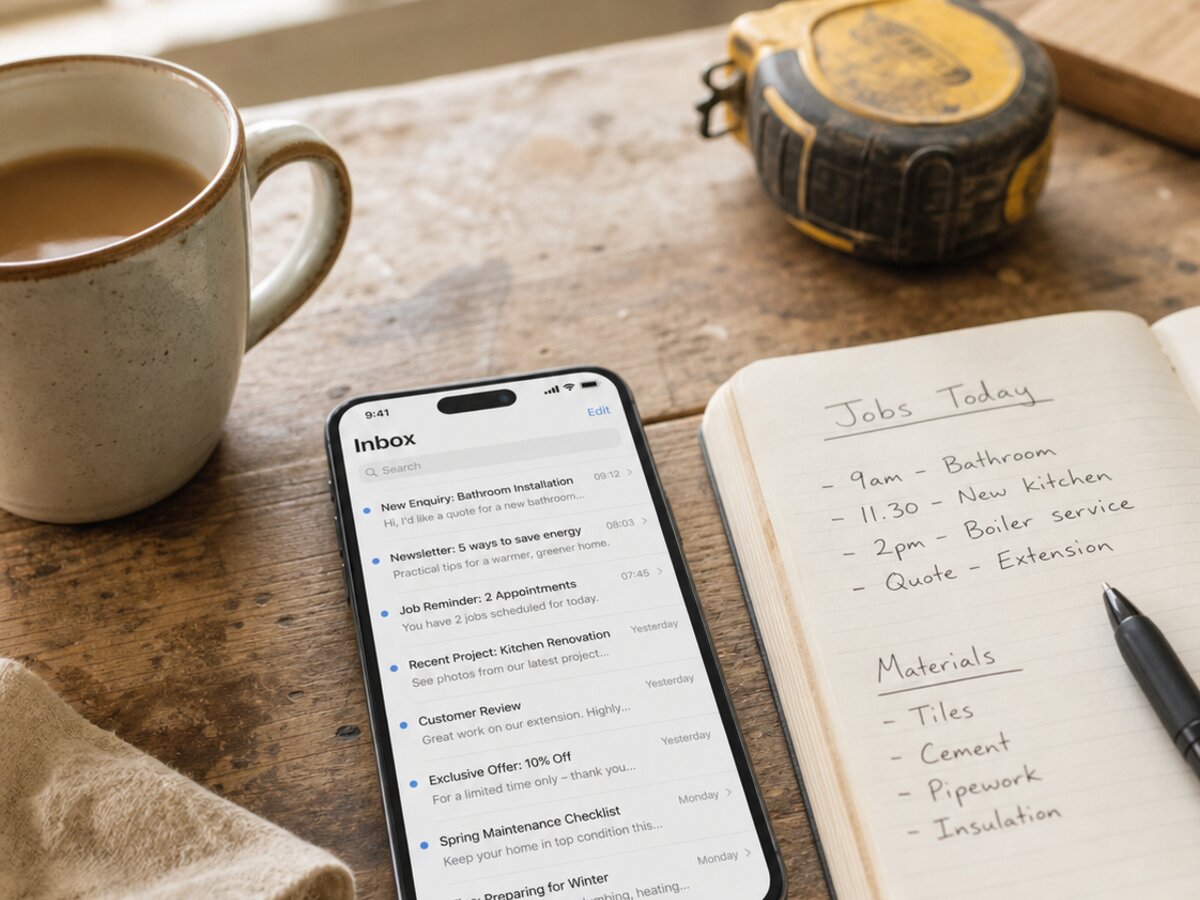
Email marketing for contractors has a reputation problem. Plumbers, sparks and builders hear “email marketing” and picture some marketing agency in Shoreditch trying to flog them a $525-a-month “nurture funnel”. That’s not what this is. Done properly, email marketing for trades is the cheapest, most boring, most reliable way to squeeze more jobs out of customers you’ve already paid to win — and most of you are leaving five figures on the table every year by ignoring it.
Email isn’t dead. It’s just that most of you have never used it properly. You collect addresses on a quote form, then never email those people again. Madness, considering you’ve already paid to get them in front of you.
This guide is the short version of what we’d set up for a client — without the $3k invoice. Read it, nick the templates, and have your first email out by the weekend.
Why most contractors ignore email — and what it costs them
Let’s do the math first, because the math is what changes minds.
Say you’ve been trading for three years. You’ve got, conservatively, 200 past customers sitting in your phone, your invoicing software, your quote forms — somewhere. Most service businesses we audit have closer to 600, but let’s be mean with the numbers.
You send one decent email to those 200 people. Maybe it’s a seasonal HVAC-tune-up reminder. Maybe it’s a “we now do EV chargers” announcement. Realistically, 3% of them book something. That’s six jobs. Average trade job in the US in 2026 — somewhere around $235 once you blend small fixes with bigger work. Six jobs at $235 is $1,400 from one email.
Send eight to ten of those a year and you’ve quietly added $10,400 to $13,000 in revenue from people who already know you, already trust you, and didn’t cost you a penny in Google Ads. No new vans, no new tools, no new staff.
So why do most contractors ignore it? A few honest reasons:
- You’re knackered after a 10-hour day and the laptop is the last place you want to be.
- You’ve been told email is “old” by someone trying to sell you TikTok ads.
- You think GDPR means you’ll get fined for sending Mrs Johnson a Christmas message.
- You don’t know what to actually write.
This guide fixes the last two. The first two are on you.
The four emails every service business should send
Forget complicated “drip campaigns” and “behavioral triggers”. You need four emails. That’s it. Set them up once and you’re ahead of 95% of your competition.
1. The welcome / new-customer email
Sent roughly 24 hours after the first job is complete. While you’re still fresh in their mind, while the kitchen tap actually works, while they’re feeling good about you.
Subject line examples:
- “Thanks for having us round, [First name]”
- “Quick one after today’s job”
- “All sorted — and a couple of things to know”
Body copy outline: thank them by name, two sentences on what you did, one sentence on the guarantee or warranty, one line about who to call if something’s off, and a soft mention that you also do X and Y in case they (or a neighbour) ever need it. Sign it from you personally. Not “The Team”.
What NOT to do: don’t ask for a review in this email. That’s email three. Don’t cram in three offers. Don’t write it like a corporate apology letter.
2. The post-job follow-up
Sent 1–2 weeks after the job is finished. The point of this one is to check everything’s still working and quietly remind them you exist.
Subject line examples:
- “Still all good with the [HVAC/rewire/remodel]?”
- “Two weeks on — quick check-in”
- “Hope the new shower’s behaving itself”
Body: ask if everything’s working as it should. Mention one related thing they might not have thought about (annual service, smoke alarm test, gutter check before autumn — depending on trade). Offer a 10% returning-customer discount if they book within the next month. Keep it under 120 words.
What NOT to do: don’t pretend it’s an “automated” email when it clearly is. Just write like a human. “Hope you’re well, just checking in” beats any subject-line generator.
3. The review request email
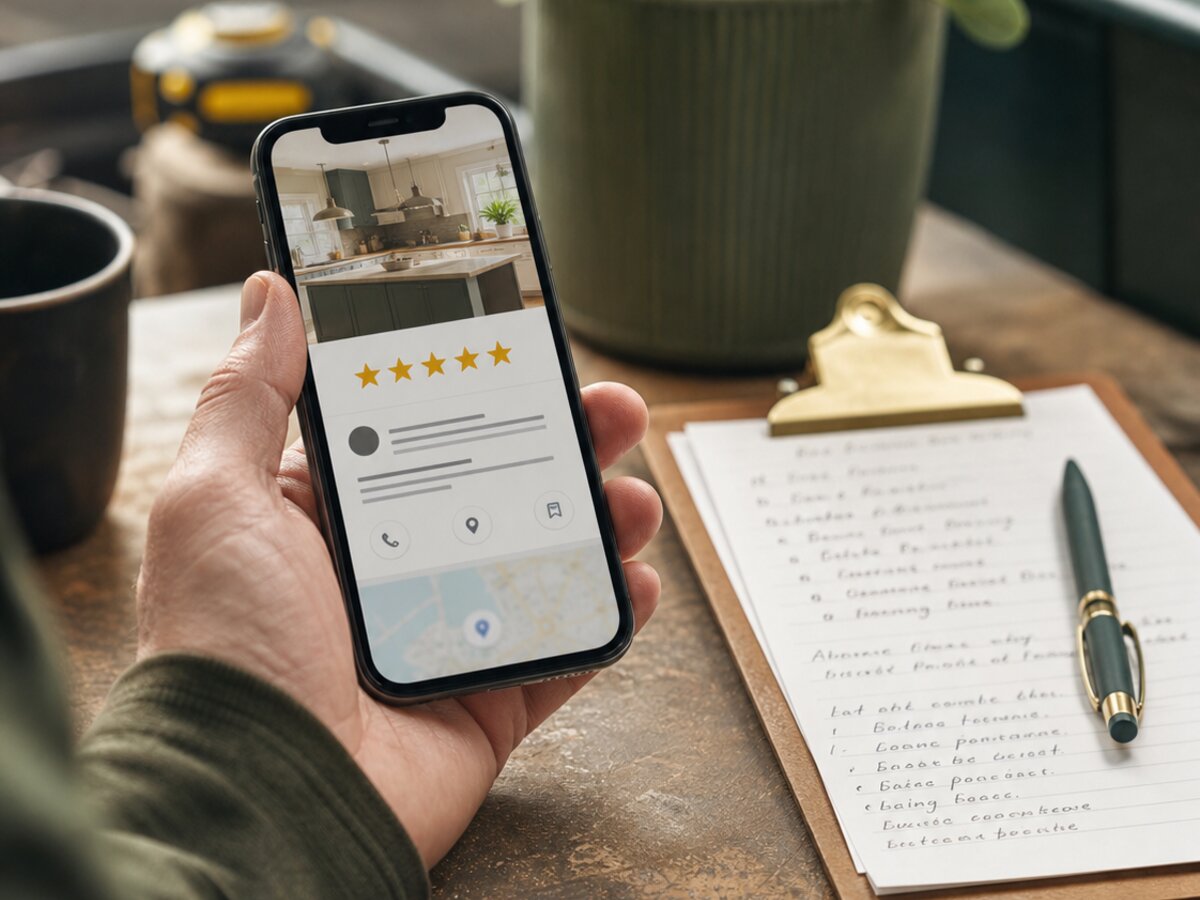
Sent 3–5 days after job completion — sweet spot. Long enough they’ve used the work, short enough they still remember your name. This single email, sent consistently, can transform your local SEO. If you want the full playbook on that, here’s our 30-day plan for getting more Google reviews.
Subject line examples:
- “Massive favour to ask, [First name]”
- “60 seconds — would mean the world”
- “If we did a good job, could you do me a favour?”
Body template:
“Hi [First name], Sam here. Hope the new [thing] is treating you well. Quick favour — I’m a one-truck operation and Google reviews are basically how new customers find me. If you’ve got 60 seconds, would you mind leaving a quick review? Link below, no pressure if not. Cheers, Sam.”
Include the direct Google review link. Don’t make them search for your business.
What NOT to do: don’t offer a discount or freebie for a review — that breaks Google’s policy and can get your reviews wiped. Don’t send it to anyone you suspect was unhappy.
If you’ve ever paid for a Google ad to win that customer, you’ve already paid for the email. Use it.
4. The win-back email
Sent at 6–12 months of silence. The “haven’t heard from you in a while” nudge. This is the one most contractors never get round to, and it’s often the most profitable.
Subject line examples:
- “Has it really been a year?”
- “Quick check-in, [First name] — anything need doing?”
- “Your annual reminder (sorry)”
Body: acknowledge it’s been a while. Mention something seasonal and relevant — furnace before winter, garden tap before summer, gutter clear in autumn. Offer a small returning-customer rate. Mention one new service you didn’t offer last time, if applicable.
What NOT to do: don’t be needy. Don’t write “we miss you!” — you’re not John Lewis. A blunt “thought I’d check in” is more on-brand for the contracting trades and converts better.
How to actually collect customer email addresses
None of the above works if you’ve got 14 email addresses in a spreadsheet. You need a system. Here’s the simple version:
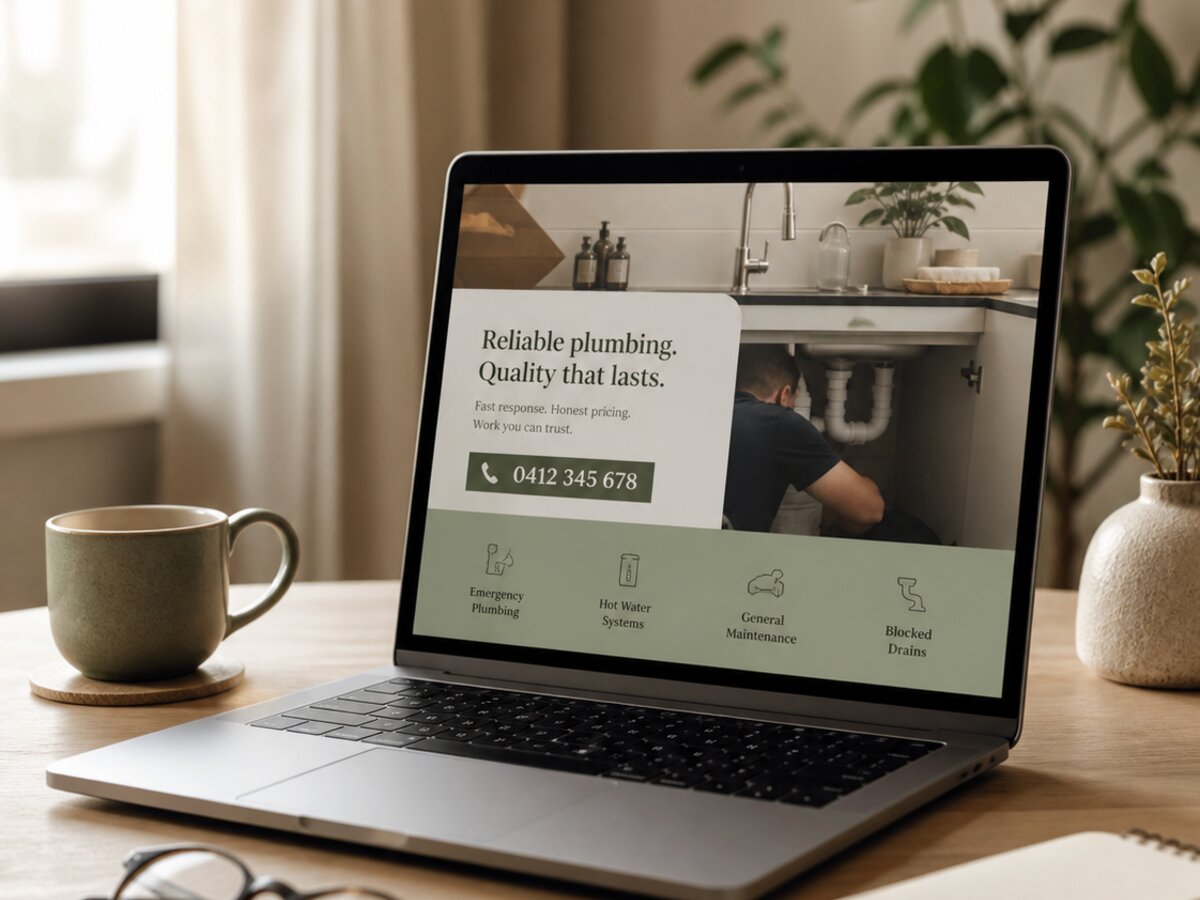
- Your quote form on your website. Make email a required field. If your site doesn’t have a proper quote form, that’s a separate issue — have a look at our website builds for service businesses for what a decent one looks like.
- Invoice footer. Every invoice you send should have a one-liner: “Want a yearly service reminder? Reply with YES.” Done.
- Post-job text or email. When you send the “all done, here’s the invoice” message, ask: “Mind if I drop you a yearly reminder by email? Saves you remembering.” Most say yes.
- Job sheet on the day. Old-school but effective — paper job sheet with name, address, phone, email. Type them up on Friday afternoon.
- Past customers in your CRM or invoicing software. ServiceTitan, Housecall Pro, Jobber, FieldEdge, even QuickBooks — export the lot. There’s gold in there.
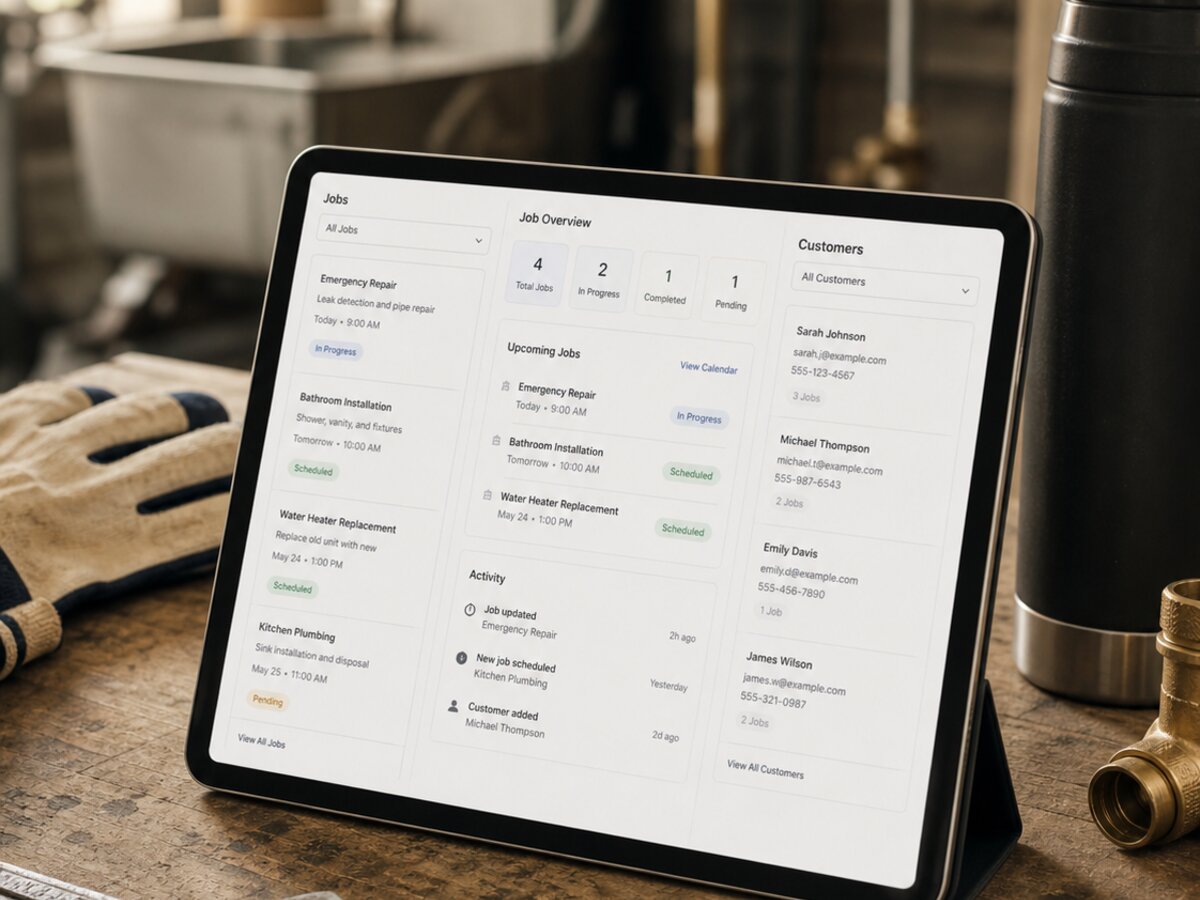
If you don’t have a CRM yet and you’re running jobs off WhatsApp and a notebook, you’re going to hit a ceiling fast. Read up on CRMs for plumbing businesses (the same logic applies to any trade) before you scale further.
Staying on the right side of CAN-SPAM Act and TCPA
Right, the boring bit. But it’s less scary than the internet wants you to think.
CAN-SPAM Act and TCPA (the Privacy and Electronic Communications Regulations) govern marketing emails in the US. The FTC — the Federal Trade Commission — is the regulator. Here’s what actually matters for a small service business:
- Soft opt-in. If someone has bought from you, you can email them about similar services without explicit prior consent — provided you gave them a clear chance to opt out at the time, and you give them an easy unsubscribe link in every email. This covers 95% of your past-customer list.
- Cold prospects who only got a quote. Stricter. You generally need clear consent unless you can argue legitimate interest — and for marketing emails, the FTC’s stance is that legitimate interest is hard to lean on. Safer to get a tick-box consent on your quote form.
- Every email must have an unsubscribe link. Every single one. Your email tool will do this automatically.
- You must honor unsubscribes promptly — within a few days is fine, 30 days is the FTC’s outside limit.
- Don’t email business customers via DNC-listed numbers — that’s a phone thing, but if you call as well, worth knowing.
Don’t lose sleep. The FTC is not sending agents to inspect your sparky business in Tampa. They go after spammers sending millions of messages. A service business sending one email a month to genuine past customers, with a working unsubscribe link, is not on anyone’s radar.
Which email tool to actually use
You don’t need fancy. You need something that sends, tracks opens, and handles unsubscribes. Five honest options for US contractors:
- MailerLite. Free up to 1,000 contacts and 12,000 sends a month. Paid plans from about $10/month. Cleanest interface of the bunch, easy to learn in an afternoon, very generous free tier. Our default pick for solo contractors and 1–2 truck operations.
- Klaviyo. US-built, originally for ecommerce but increasingly adopted by service businesses. Free up to 250 contacts and 500 sends. Paid plans start around $20/month. Genuinely best-in-class segmentation and automation if you want to get serious about which customers get which offers. Overkill for a 200-contact list, perfect for a 2,000+ contact list with multiple service categories.
- ActiveCampaign. The serious workhorse of US small-business email. No free tier, paid plans start around $19/month for 1,000 contacts. Strongest automation builder on this list — if/then branching, lead scoring, integrated CRM. Worth it once you’re sending more than 4 emails a month and want to actually personalize.
- Mailchimp. The famous one. Free up to 500 contacts and 1,000 sends a month. Prices climb fast after that — around $15–$25/month for the next tier, more once you pass 2,000 contacts. Polished interface, loads of templates, but increasingly bloated. Fine if you’re already familiar.
- Brevo (formerly Sendinblue). Free up to 300 sends a day with unlimited contacts. Paid plans start around $9/month. Pricing is based on sends, not list size — brilliant for contractors with a few hundred contacts you email occasionally. Built-in SMS is handy if you want one tool for both channels.
For most US service businesses under 2,000 contacts, our honest pick is MailerLite. Past 2,000 contacts or when you start running multiple service lines, jump straight to Klaviyo or ActiveCampaign — the automation pays for itself.
A note on SMS specifically: US SMS rules are tighter than email under the TCPA. You need explicit, recorded consent for marketing texts (not just "soft opt-in"), and violations carry $500–$1,500 per-message fines. If you’re going to do SMS marketing, use a tool with built-in compliance (Brevo, Klaviyo, or a dedicated platform like SimpleTexting) — not a personal phone running automated scripts. The TCPA is one of the most aggressively litigated marketing laws in the US.
What results to actually expect
Time for honesty. Here’s what genuinely happens with a service business email list, based on the campaigns we’ve run and seen:
- Open rates: 25–35%. Trade lists actually outperform most industries here because people remember you — you were in their house. If you’re under 20%, your subject lines are the problem.
- Click rates: 2–6%. Anything above 4% is good for our sector.
- Booking rate: 1–3% of total recipients. That’s 2 to 6 jobs per email per 200 contacts.
- Unsubscribe rate: under 0.5% per send. If it’s higher, you’re emailing too often or your content’s wrong.
Put it together: a 400-contact list, emailed once a month with the four templates above, will realistically generate $525–$1200 a month in extra revenue. Not life-changing on its own — but it’s incremental, compounding, and free. Stack it on top of your Google reviews, your website, and your local SEO, and that’s how a one-truck operation turns into a three-truck operation without burning out.
For more on the website side of that stack, our piece on the most common contractor website mistakes is worth a read — most trade websites bleed leads before email can even save them.
That’s the lot. Pick a tool today, export your contacts this weekend, write the welcome email on Sunday night, and you’re live by Monday. If you’d rather we built the whole thing for you — list, emails, CRM, the works — get in touch and we’ll have a proper conversation, no jargon.
Frequently asked questions
How often should I email my service business customer list?
Once a month is the sweet spot for most trades. Any less and they forget you; any more and you’ll start seeing unsubscribes. Seasonal trades (gas engineers before winter, gardeners in spring) can get away with weekly bursts during their peak, but settle back to monthly the rest of the year.
Is email marketing dead?
No, and anyone telling you that is usually trying to sell you something flashier. Email gives you direct access to people’s inboxes with no algorithm in the way — unlike Facebook, Instagram or TikTok, where you’re renting attention. For service businesses with a list of past customers, it’s still the highest-ROI marketing channel going.
What’s a good open rate for a contractor’s email list?
Between 25% and 35% is normal and healthy for a service business. Trade lists tend to outperform other industries because customers remember the person who came round and fixed their furnace. If you’re consistently under 20%, your subject lines need work or your list has gone stale.
Do I need GDPR consent to email past customers?
Not always. Under CAN-SPAM Act and TCPA, the “soft opt-in” rule means you can email past customers about similar services without explicit prior consent, as long as you gave them a clear chance to opt out when you took their details and include an unsubscribe link in every email. For people who only ever got a quote and never bought, you need proper consent.
How do I get customer email addresses in the first place?
Make email a required field on your website quote form, ask on the job sheet, add a one-line opt-in on your invoice footer, and trawl your existing CRM or invoicing software for addresses you already have. Most service businesses are sitting on 200 to 600 contacts they’ve never used. Start there.
How long does it take to see results from email marketing?
You’ll usually see your first booking from your first email within 48 hours of sending it. Real compounding results — repeat work, referrals, an embedded brand in your patch — take 6 to 12 months of consistent monthly sending. The trick is showing up regularly, not nailing one perfect campaign.
What’s the cheapest email marketing tool for a small service business?
MailerLite has the most generous free tier — up to 1,000 contacts and 12,000 sends a month at zero cost. Brevo is also free for low sending volumes regardless of list size. For most service businesses under a couple of thousand contacts, you can run email marketing properly for years without paying a penny.

Want this done for you?
Book a 20-minute discovery call. No pitch, no obligation — we’ll talk through your specific business and whether what’s in this guide is something we can help with.
Book a call